How to check a car's service history
How to check service history with or without the paper book, including digital dealer records and garage invoices.
Updated
"Full service history" is one of the phrases that makes a used car advert look good, and for good reason. A car that's been serviced on time is more likely to be reliable, and it's usually worth more when you come to sell it. But what counts as a full service history, and how do you check the seller's claim?
Where service history comes from
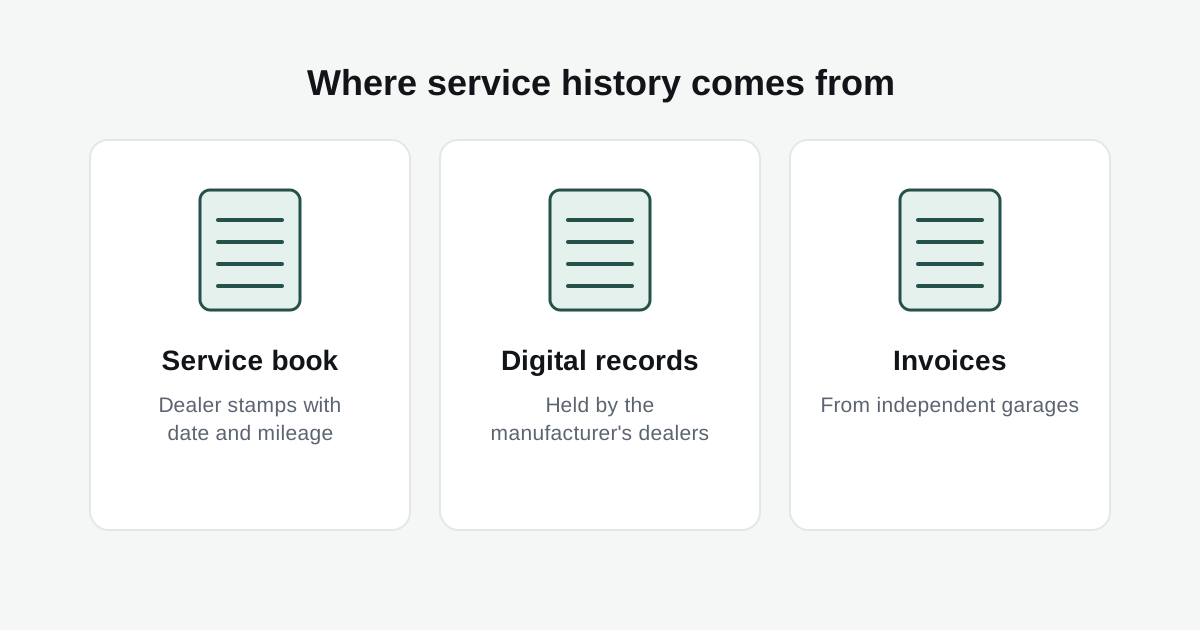
There are three places a car's servicing is usually recorded:
- The service book. The traditional stamped booklet, with a garage stamp, date and mileage for each service.
- Digital service records. Many manufacturers stopped using paper books years ago. Instead, their dealers record every service on a central system. So a newer car with no book isn't necessarily a problem.
- Invoices. Services at independent garages won't appear in a manufacturer's system, so the paperwork from the garage is the proof.
Most cars end up with a mix of all three, especially once they're out of warranty and the owner switches to a cheaper local garage.
How to check it
Read every entry. Each service should have a date, a mileage and a garage. Check the gaps between them against the manufacturer's schedule, which is usually every 12 months or a set number of miles, whichever comes first.
Compare the mileages with the MOT history. This is the quickest way to spot a problem. The mileage at each service should fit neatly between the MOT readings either side of it. If a service stamp shows 40,000 miles but the MOT a month later says 52,000, something doesn't add up. You can see all the MOT readings for free with our MOT check.
Call the garage. If you're unsure about a stamp, ring the garage and ask whether they have a record of the service. Most will confirm it if you give them the registration.
Check the digital record. For cars from manufacturers that use digital records, a service history check shows the dealer services on file, with the date and mileage of each.
Warning signs
- A service book where every stamp is in the same pen and looks brand new.
- Stamps from garages you can't find anywhere online.
- Service mileages that don't fit with the MOT mileages.
- Big gaps with no explanation, followed by a burst of recent servicing just before the sale.
Mismatched mileages can be a sign the car has been clocked, so it's worth reading our guide on how to spot a clocked car as well.
Does a missing service history matter?
It depends on the car and the price. On an older, cheaper car, some gaps are normal and not worth losing a good car over, provided it drives well and the MOT history looks healthy. On a newer or more expensive car, especially a performance car, missing history is a bigger deal. Engines with timing belts or specialist parts need specific maintenance at specific times, and it's expensive if it's been skipped.
Either way, the price should reflect it. A car without history is usually worth noticeably less than the same car with a full record.
Checking by manufacturer
How digital records work varies by brand. We've got pages for BMW, Mercedes-Benz, Audi, Volkswagen, Ford, Land Rover and Porsche.